Makeup Aritst
 Makeup Aritst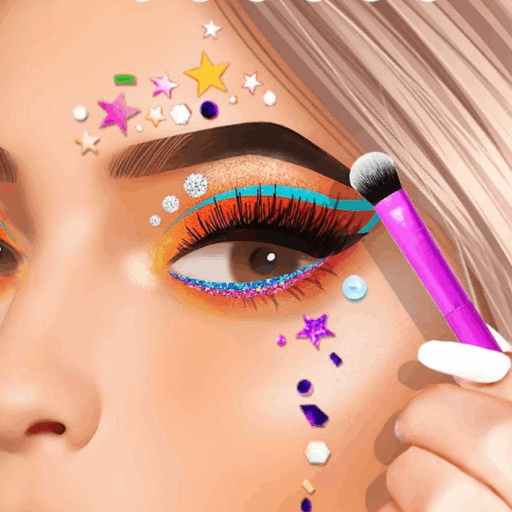
Makeup Aritst
Makeup Aritst is a tool-by-tool makeover: clean, mask, eyes, foundation, lipstick, brows, shadow, liner. Early levels save each finished face to the album.
Makeup Aritst: how to play
Clean the face
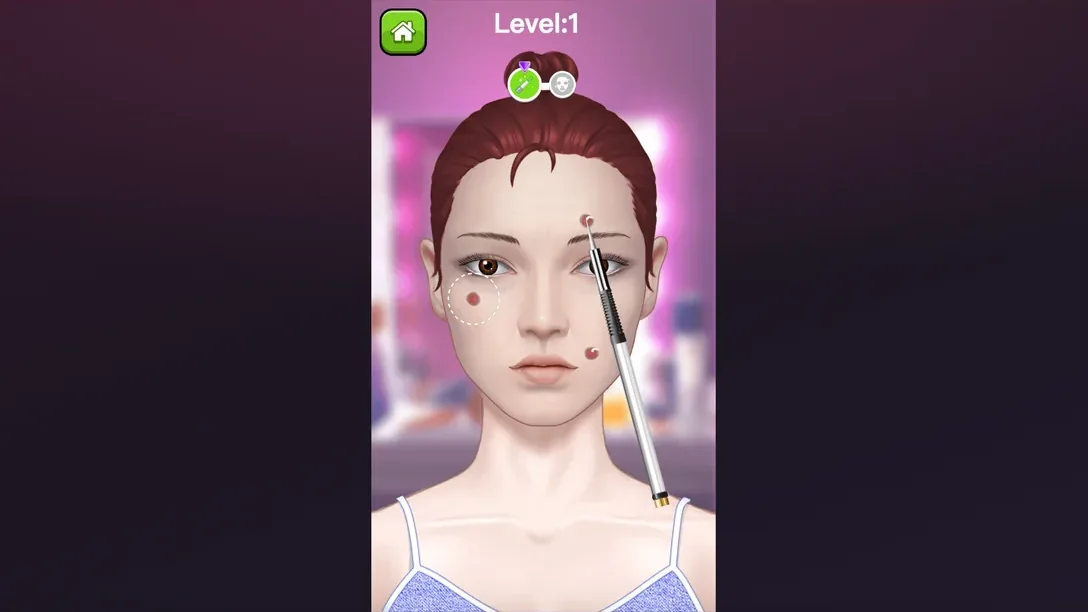
First tool targets three blemishes. White dotted circles show where to drag — clear even without text. Second cleaning pass clears leftovers before the mask.
Black mask needs full coverage on the marked area before peel-off. Leave a patch and the level waits there instead of jumping to the photo.
From facial marks to eye choices
Purple tool on visible facial marks first. Wipe those, then four eye looks appear — tap the pair for the finished face.
After that choice the face saves as a photo. Two counters sit under the picture before the next makeover.
Foundation and lipstick
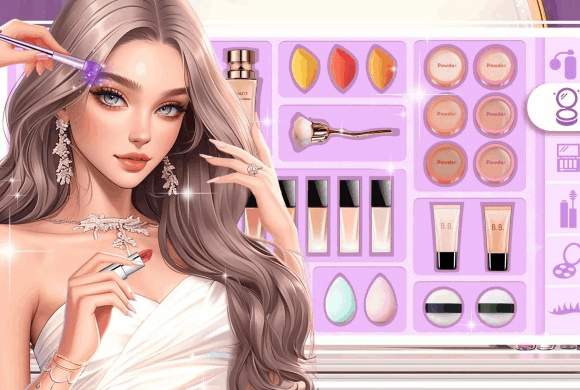
Two jobs: brush foundation across the face, then the camera pushes in for lipstick.
Fill the whole highlight before moving on. Wide strokes for foundation; short strokes keep lipstick on the lips.
Brows, eyeshadow, and liner
Clean and fill the brow, brush purple eyeshadow, then draw liner above the lid.
Short strokes stay inside the dotted guides better than one long swipe on brow and eyelid.
Level order
Clean -> mask -> eye pick -> foundation -> lipstick -> brow -> purple shadow -> liner. Each tool waits if you miss part of its dotted or highlighted area, so stuck usually means unfinished coverage, not a broken level.
Foundation likes wider strokes; lips, brows and liner like short ones. Saved photos stack in one album — useful for comparing how Level 2 eyes differ from the Level 4 brow-and-liner face.
If a tool will not advance
- Highlighted icon in the row is still the active tool.
- Mask and foundation need the full marked zone before the next step.
- Wide moves on cheeks/forehead; short moves on lips, brow, lid.
- Peek at the photo card after each level for the score counters.
On desktop Chrome the portrait play area stayed centered with empty space on both sides — face and tools kept size; nothing looked stretched.
Desktop view