Christmas Nail Salon
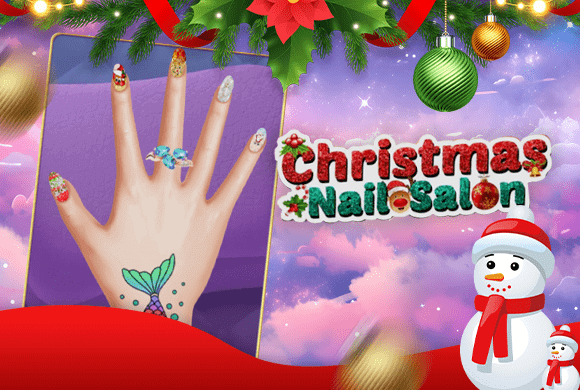 Christmas Nail Salon
Christmas Nail Salon
Christmas Nail Salon: pick a hand and one nail shape, then decorate finger by finger with stackable patterns. Layer blue snowflake glitter under colored loops on the first nail.
Christmas Nail Salon: how to play
Open the salon and choose the hand
Title screen shows finished Christmas nails. Large Play near lower-right starts; smaller top button only toggles music.
Next: three hands on glitter cards. Tap one and the game moves to nail shape.
Set one shape for the whole hand
Three tips: straight rounded, notched edge, smooth oval. Your pick applies to all five nails.
Back on the hand, silver circles mark each fingertip. Tap a circle to decorate that nail — no separate Next.
Build the design in layers
Close-up shows the notched tip clearly. Three design buttons along the bottom; pink hand upper-left returns to all five nails.
First layer: blue glitter, small stars, large white snowflake. Second choice stacked red, orange, purple and blue loops on top — snowflake still showed through, so layers add instead of wiping the base.
Return to the hand and repeat for the other nails
Thumb design stayed when you return. Other four fingertips still had silver circles — open the next nail and repeat close-up until the set is done.
After all five, add hand stickers and rings, then save a photo of the Christmas set.
Hand vs close-up
- Silver circle on the hand opens that fingertip.
- Pink hand icon in close-up returns to five nails.
- Shape is chosen once; color and patterns happen per nail.
- Patterns can stack — colored loops sit over the blue snowflake.
- Leftover silver circles show unfinished fingers.
Same snowflake on all five is fine; mixed colors work too. Rings and stickers come after the nails, then save the photo.